
Passport and ID card scanner
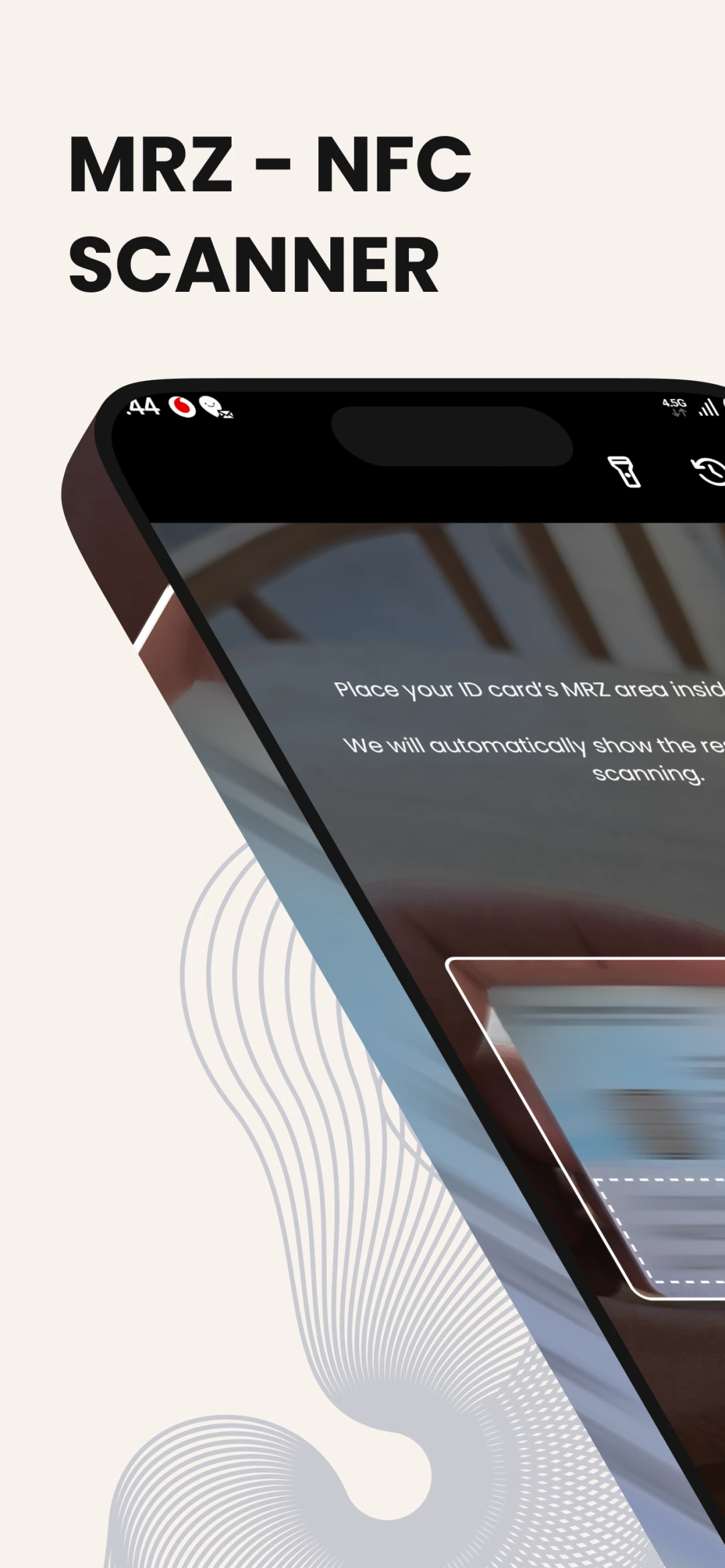
Scan passports and ID cards in seconds.
Read the MRZ zone with your camera and the NFC chip with a tap. Keep a history of your scans and export them to CSV or PDF. Everything stays on your device.
1K+
Downloads
MRZ + NFC
Two ways to read a document
CSV & PDF
Export your scans
Features
Identity verification, made simple
Lightweight, fast and easy to use, for reliable checks anytime.
MRZ scanning
Point the camera at the machine readable zone and the app reads it for you.
NFC chip reading
Read the chip in passports and ID cards for the data stored on the document itself.
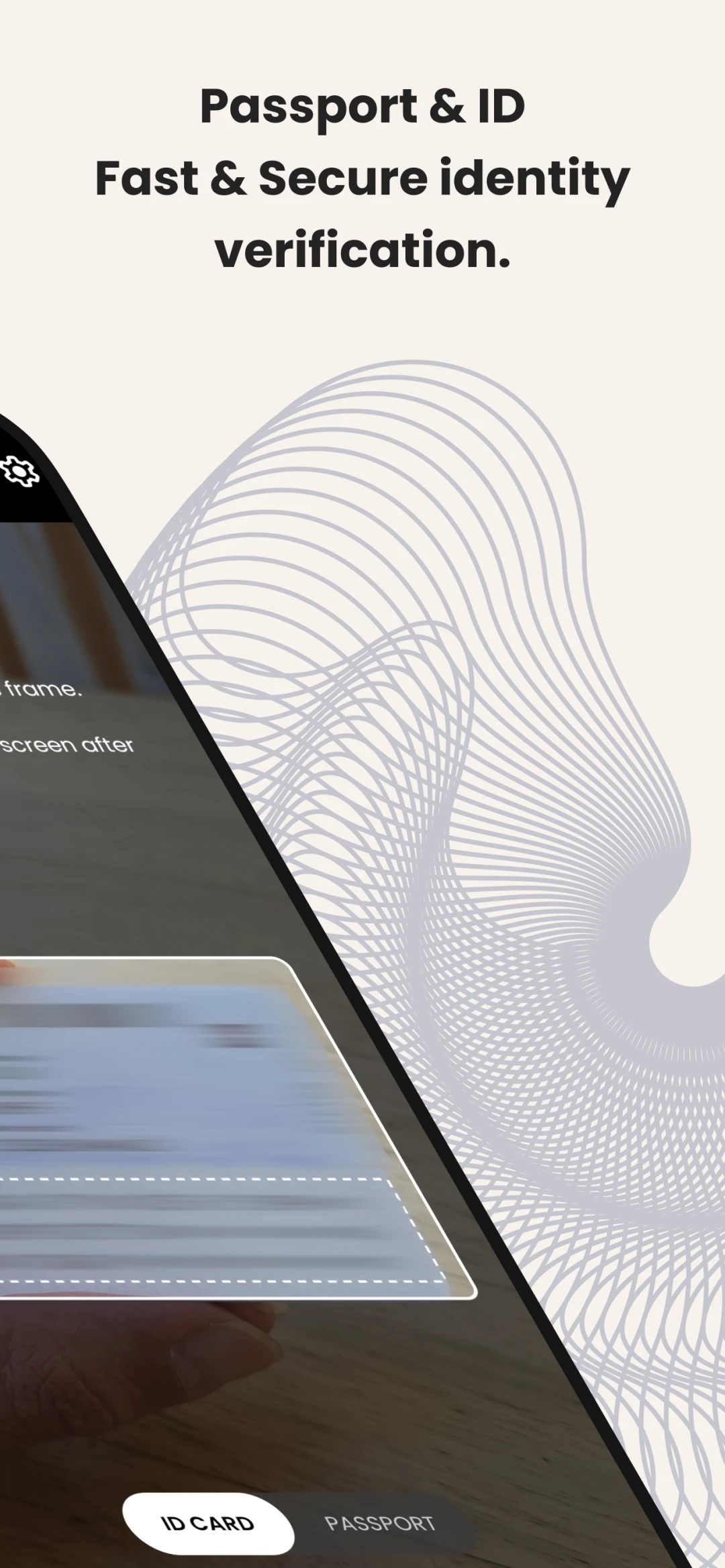
Passports and ID cards
Works with both document types, with a simple switch between them.
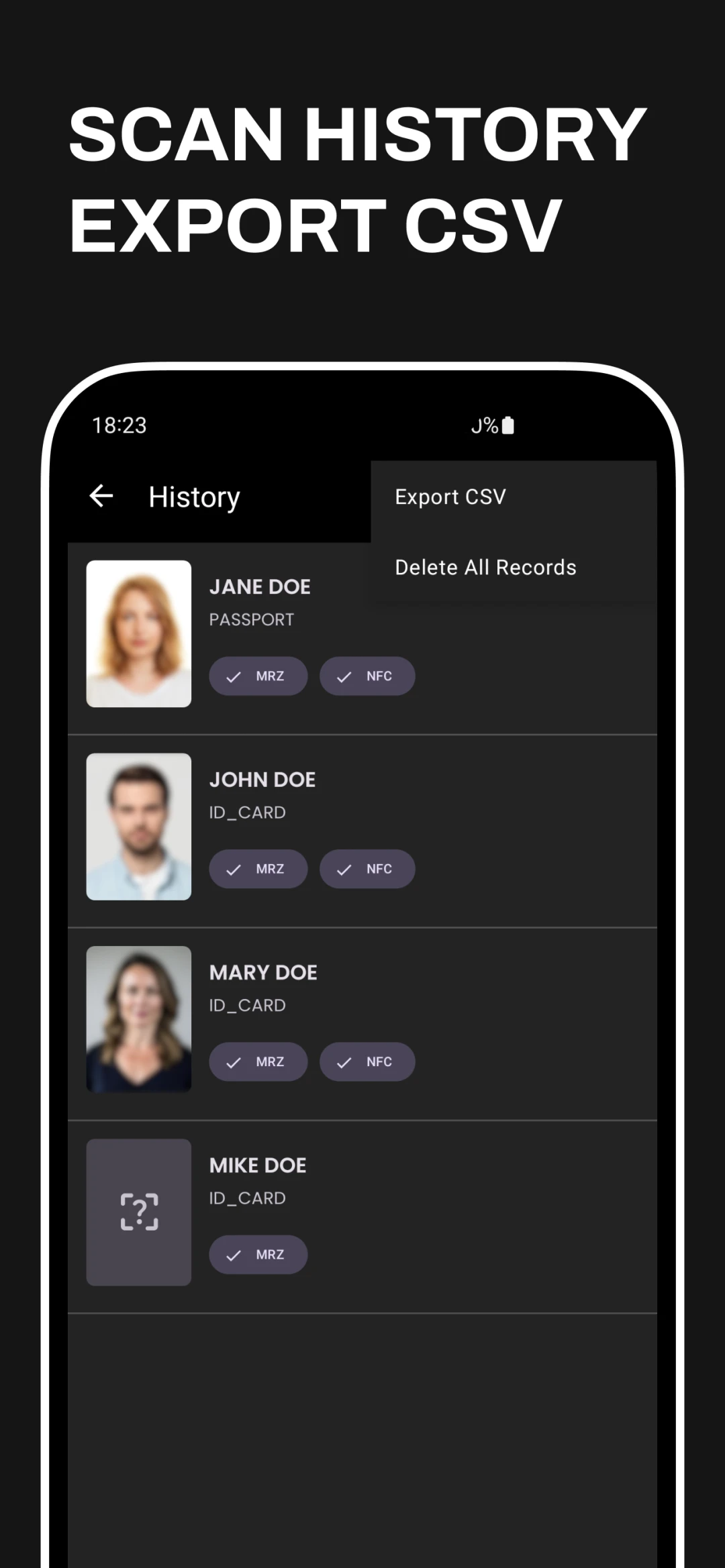
Scan history
Every scan is kept in a history on your device, with the document holder's photo and details.
Export to CSV or PDF
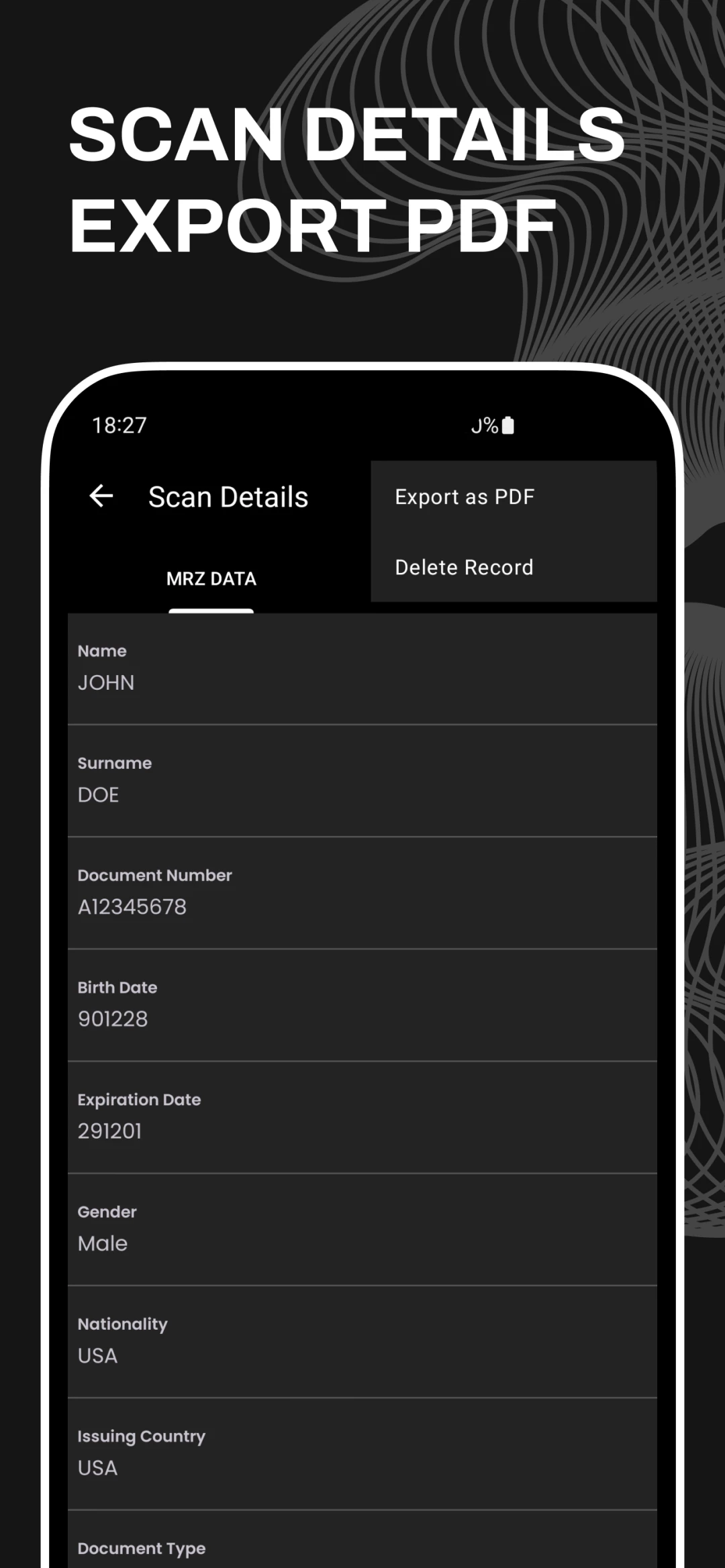
Export your history to CSV or a single scan to PDF for easy sharing.
Private by design
Scanned data stays on your device. You can delete a record, or all of them, at any time.
Screenshots
See MRZ/NFC Scanner in action
Frequently asked questions
What is the MRZ?
The machine readable zone is the block of text at the bottom of a passport or on the back of many ID cards. The app reads it with your camera.
What does NFC reading add?
Many passports and ID cards have a chip with the holder's details and photo. After the MRZ scan, the app can read that chip when you hold the document to your phone.
Where is the scanned data stored?
Only on your device, in your scan history. It is not sent to us or to anyone else.
Can I export my scans?
Yes. Export your scan history to CSV, or a single scan's details to PDF.
How do I get help?
Visit our support page and send us an email. We usually reply within a day.